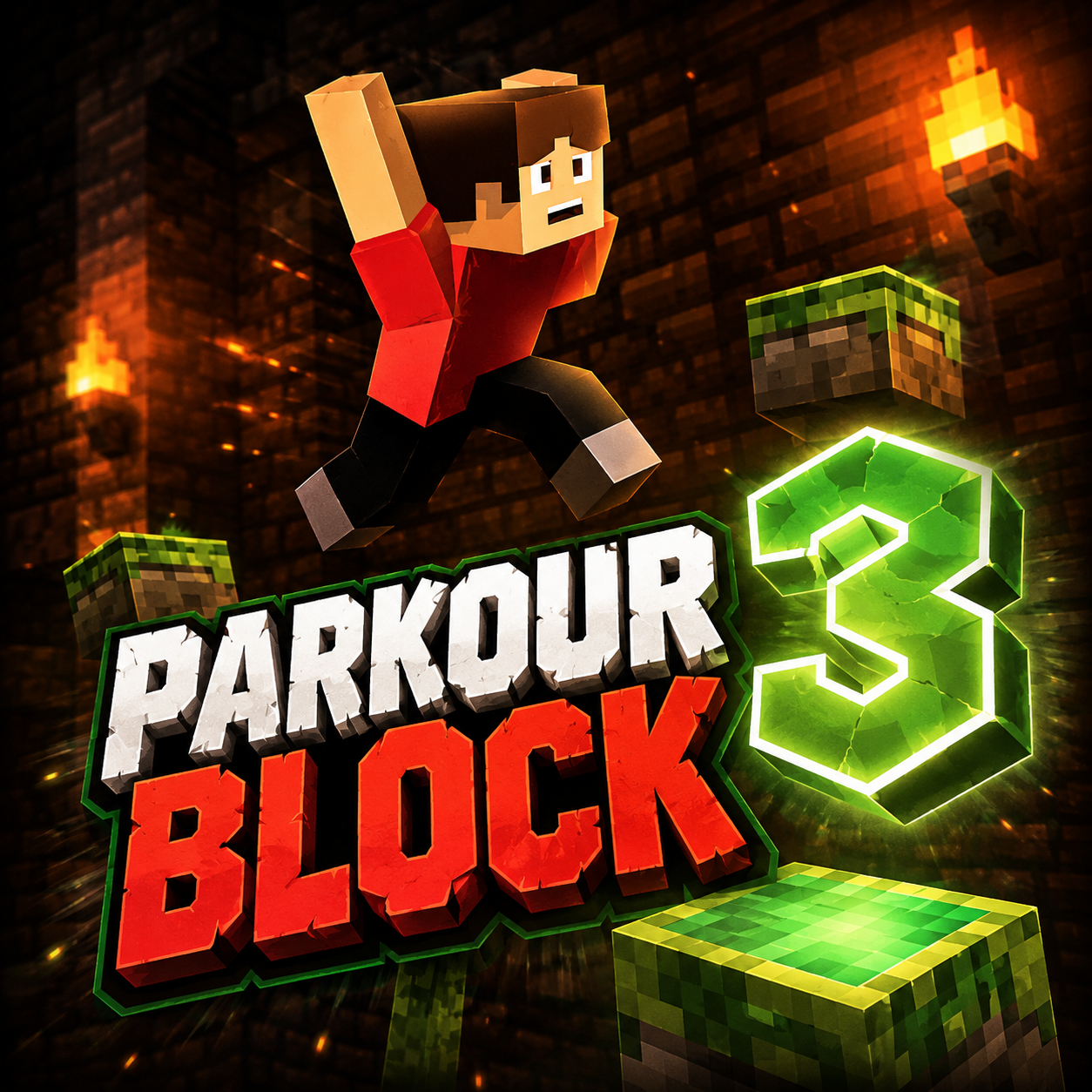
Parkour Block 3
New Recommended Games




Parkour Block 3 represents the third entry in the widely acclaimed first-person platforming series created by Poly Games. Tailored for individuals who excel at precision, timing, and spatial perception, this title delivers a challenging yet gratifying parkour experience across forty-three meticulously designed stages. The fundamental goal appears straightforward: traverse each course from its beginning to its conclusion and discover the concealed purple portal that moves you onward to the subsequent level. Yet, the journey toward that portal is filled with hazards. Every stage hangs above a chasm of blazing lava, and any mistake sends you back to the start of the course. The game’s simple, block-shaped aesthetic conceals the sophistication of its stage architecture, which steadily introduces novel hurdles and mechanics that assess not just your reaction speed but also your capacity to map out paths under strain. Later stages blend multiple block varieties—slippery ice, green rebound pads, and deadly lava blocks—to create complex motion puzzles. Obscured portals and alternative pathways reward thorough inspection, introducing an element of discovery to the primary challenge. Featuring straightforward, user-friendly controls that perform equally well on computers and handheld devices, Parkour Block 3 provides an approachable yet intricate action-puzzle game that attracts both casual gamers and dedicated parkour enthusiasts.
Precision in direction and timing are essential. On a computer, you manage your character using the W, A, S, and D keys for movement, the Spacebar for leaping, and the Left Shift key to dash. The mouse enables you to look around and alter your facing direction, granting complete command over your viewpoint as you steer around tight turns and slender ledges. Pressing Escape twice brings up the in-game menu. The first-person perspective is vital: you must continuously examine your environment to detect platforms, evaluate distances, and spot hidden portals that could be placed in corners or behind obstacles.
Users on mobile devices rely on on-screen touch inputs to move, leap, and adjust the camera. The touch interface is crafted to mirror the desktop experience as closely as achievable, featuring virtual joysticks for movement and a dedicated jump button. Regardless of the platform, achieving success hinges on careful observation and deliberate actions. Rushing through a stage without scanning ahead frequently results in a catastrophic fall.
The environment itself acts as the primary adversary. Platforms are positioned at different elevations and gaps, requiring you to sprint and bound across spaces that might be misleadingly broad. Some platforms are minuscule, demanding exact landing accuracy. Others are slanted or unsteady, introducing an additional layer of difficulty. Because any fall returns you to the beginning of the stage, each jump carries considerable weight. The game encourages you to halt, inspect the arrangement, and chart a secure course before taking any step. Advanced stages introduce combinations of special blocks that fundamentally change movement dynamics, making route planning even more essential.
Parkour Block 3 sets itself apart through a combination of stage count, mechanical diversity, and responsive control design. The following attributes are central to its charm:
43 Challenging Stages
The game provides a substantial campaign with steadily increasing difficulty. Early stages serve as tutorials, teaching you basic movement and platform identification. By the middle sections, you will encounter multi-layered courses that require dashing across ice, bouncing off green blocks, and navigating through narrow corridors of lava blocks. The final stages are trials that demand flawless execution and recollection of intricate sequences.
First-Person Parkour Gameplay
Unlike many platformers that employ a third-person or side-scrolling perspective, Parkour Block 3 immerses you directly in the action. The first-person view makes distance estimation and depth perception critical skills. This viewpoint also amplifies the sense of danger—when you look downward and see the glowing lava below, the risks feel immediate and personal.
Special Blocks That Modify Movement
A defining characteristic is the range of block types that alter your engagement with the surroundings:
Hidden Portals and Alternate Routes
Exploration is rewarded. Many stages contain secondary portals that shorten the path to later parts or bypass challenging sequences. Finding these hidden exits often requires looking upward, downward, or around corners that are not instantly visible. This mechanic adds replay value, motivating players to revisit stages and search for quicker or safer paths.
Accessible Controls for Desktop and Mobile
The control layout is deliberately simple, with no complex combos or special moves. Desktop users utilize keyboard and mouse, while mobile users employ touch inputs. Both systems are optimized for fast response, ensuring that failure results from player ability rather than input lag or awkward interfaces.
Blocky 3D Graphics with Diverse Course Designs
Visually, the game adopts a neat, low-poly style. Each stage has a unique layout—some are vertical climbs, others are horizontal runs, and many combine both. The straightforward graphics ensure that performance remains fluid even on less powerful devices, while the variety in platform shapes and colors helps players quickly recognize different block types.
To master Parkour Block 3 and reduce frustration, consider the following advice derived from the game’s design and common player mistakes:
Always Inspect the Stage Before Moving
Resist the urge to dash forward immediately. Remain on the starting platform and rotate the camera around. Identify the location of the purple portal, note any green or ice blocks, and spot potential blind jumps. A few seconds of observation can save you repeated deaths.
Adjust Your Motion on Ice Blocks
Ice blocks are treacherous because they remove your ability to stop quickly. When approaching an icy surface, begin slowing down before stepping onto it. Turn in wide arcs rather than sharp corners, and avoid sprinting on ice unless absolutely necessary. If you must jump from an ice block, account for the slide—you may travel farther than anticipated.
Use Green Blocks to Sequence Jumps
Green blocks not only boost your jump height but can also reset your jump if you land on them mid-air. Plan routes that string together multiple green blocks to cross large gaps or reach high platforms. Remember that the boost is directional—landing on the center of the block provides the best trajectory.
Treat Lava Blocks as Map Boundaries
Lava blocks are not obstacles to be leaped over; they are instant-death traps. In later stages, they may be arranged in patterns that force precise pathing. Memorize their locations and always maintain a safe buffer distance when moving near them.
Explore for Hidden Portals
If a stage feels particularly hard, there may be a hidden portal that bypasses the toughest section. Check behind pillars, under platforms, or above your normal line of sight. Sometimes the easiest route is not the most obvious one.
Use Sprint Sparingly
Left Shift (or the sprint button on mobile) increases your speed but also reduces your control while in the air. Sprint is best used for long horizontal gaps where momentum is necessary. For precise jumps onto small platforms, a normal walk or short hop is more reliable.
Practice Patience and Muscle Memory
Parkour Block 3 is a game of repetition and refinement. Do not expect to clear every stage on your first attempt. Each death teaches you something about the stage layout. Over time, your fingers will learn the required distances and sequences, and what once seemed impossible will become routine.
Adjust Camera Sensitivity
On desktop, ensure your mouse sensitivity allows for smooth, controlled turns. Too high a sensitivity may cause overshooting when trying to align with a narrow platform. On mobile, experiment with the touch joystick dead zones to find a setting that feels responsive without being twitchy.
By internalizing these precautions and treating each stage as a puzzle to be solved rather than a race to be won, you will find Parkour Block 3 to be a gratifying test of skill that rewards careful observation and steady hands.
Q: What exactly is Parkour Block 3? A: Parkour Block 3 is a first-person platforming title developed by Poly Games. It offers 43 demanding stages that include floating platforms, hazardous traps, and innovative movement techniques. Your task is to navigate each course without falling and locate the purple portal to proceed.
Q: How many stages are there in Parkour Block 3? A: The game contains 43 levels, each increasing in difficulty as you progress.
Q: What is the primary goal within each stage? A: Your main goal is to safely traverse the entire course and find the purple portal, which grants access to the following level.
Q: What occurs if I drop off a platform? A: Dropping off a platform resets your position to the very start of the level, making every leap and landing crucial.
Q: How can I control the game using a desktop computer? A: On a desktop, employ WASD for movement, the Spacebar to jump, Left Shift to sprint, and the Mouse to rotate your view and alter direction. Tap Escape two times to bring up the menu.
Q: How is the game controlled on a mobile device? A: On mobile devices, utilize the displayed touch controls to move, jump, and adjust the camera angle.
Q: What are ice blocks, and how do they influence movement? A: Ice blocks produce slick surfaces that complicate turning and stopping.
Q: What effect do green blocks have? A: Green blocks enhance your jump strength, enabling you to reach faraway or elevated platforms.
Q: What happens if I come into contact with a lava block? A: Touching a lava block instantly ends your attempt and returns you to the beginning of the level.
Q: What purpose do purple portals serve? A: Purple portals transport you to the next stage.
Q: Are there hidden portals or alternative pathways? A: Yes, later levels combine special blocks with concealed portals. You should carefully examine your environment to uncover potential routes and plan your leaps accordingly.
Q: How do I access the menu on a desktop? A: Press the Escape key twice to open the menu interface.
Q: How can I share Parkour Block 3 with others? A: You may copy the game link using the "Copy link" button found within the "SHARE WITH YOUR FRIENDS" area.
Q: What kinds of problems can I report for Parkour Block 3? A: You are able to report issues such as: the game failing to load, the game not functioning, lost save data, encountering unsuitable content, requiring assistance with an in-game purchase, or offering other suggestions. There is also an option to submit a custom problem.
Q: Is Parkour Block 3 a single-player or multiplayer experience? A: The description indicates it is a single-player first-person parkour adventure comprising 43 levels. No mention of multiplayer functionality exists.
Q: What are the standout features of the game? A: Notable features include 43 progressively challenging stages, first-person parkour gameplay, secret portals, slippery ice and enhanced-jump blocks, perilous lava-filled surroundings, straightforward controls for both desktop and mobile, and blocky 3D visuals with diverse level designs.
The core gameplay loop of Parkour Block 3 focuses on maneuvering your character across hovering platforms while evading the molten lava beneath. Each level initiates from a starting platform, and your objective is to reach the purple portal concluding the stage. Character movement is managed by a simple control scheme that emphasizes agility and precision.